Getting traffic to your Shopify store is only half the battle. The real challenge is turning visitors into paying customers.
Even a small improvement in your Shopify conversion rate can significantly increase revenue without spending more on advertising. For example, increasing your conversion rate from 2% to 3% means 50% more orders from the same amount of traffic.
In this guide, you'll learn practical strategies to increase your Shopify conversion rate and create a better shopping experience for your customers.
What Is a Good Shopify Conversion Rate?
The average Shopify conversion rate typically falls between 2% and 3%, although it varies by industry, product type, and traffic source.
Generally speaking:
- Below 2% – Room for improvement
- 2%–3% – Average
- 3%–5% – Strong performance
- Above 5% – Excellent
Rather than chasing a specific number, focus on continually improving your store through testing and optimization.
Why Conversion Rate Matters
Many store owners spend thousands on Facebook Ads, Google Ads, or SEO to increase traffic.
But if visitors don't convert, that traffic becomes expensive.
Improving your conversion rate means:
- More sales from existing visitors
- Lower customer acquisition costs
- Higher return on advertising spend (ROAS)
- Increased profits
- Better overall customer experience
Optimization often delivers a higher return than simply buying more traffic.
1. Build Trust with Social Proof
New visitors are naturally cautious about buying from an unfamiliar store.
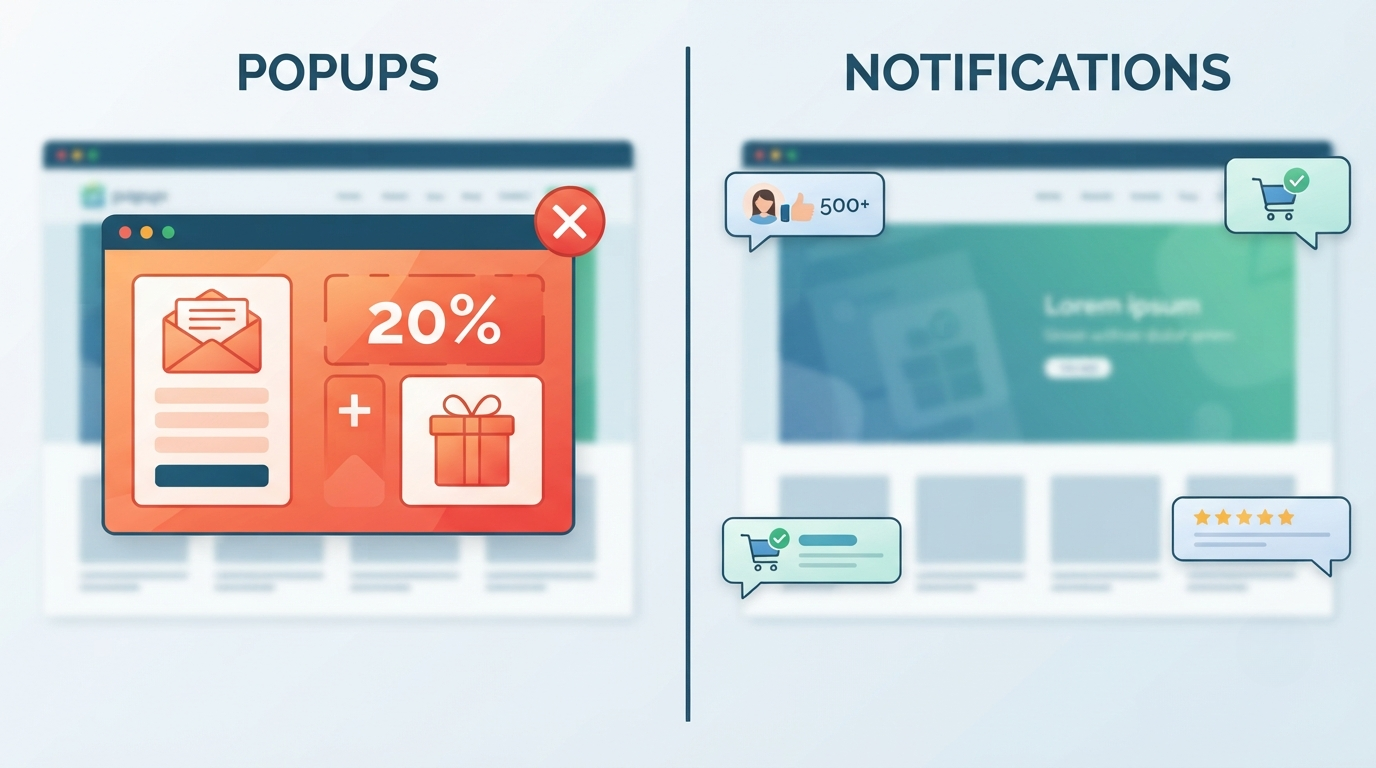
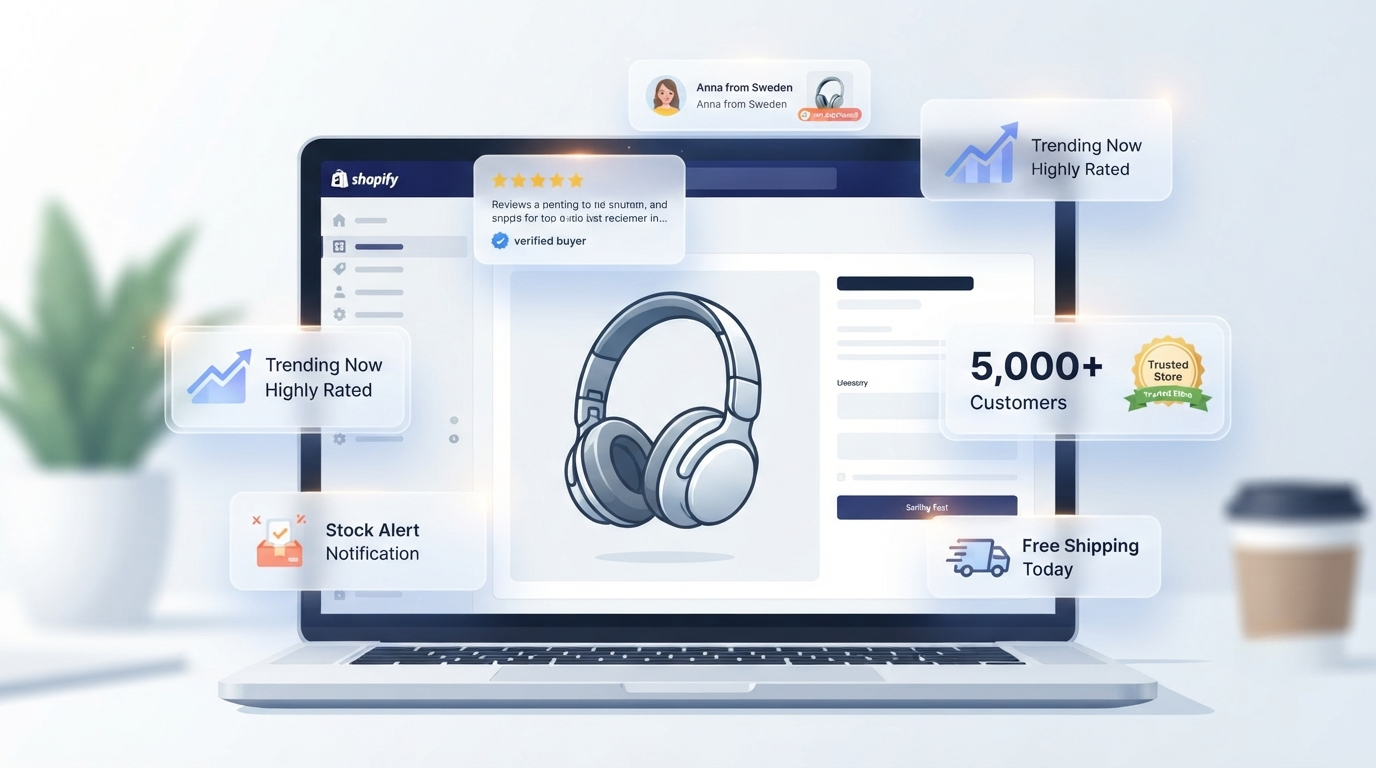
Displaying real-time notifications showing recent purchases or customer activity reassures shoppers that others trust your business.
Social proof can include:
- Recent purchase notifications
- New customer signups
- Customer reviews
- Verified buyer messages
- Trust badges
Platforms like Amplifay make it easy to display clean, customizable notification campaigns that help build credibility and encourage visitors to complete their purchase.
2. Speed Up Your Shopify Store
Slow websites lose customers.
Every additional second of loading time increases the chance that visitors leave before seeing your products.
Ways to improve speed:
- Compress images
- Remove unused apps
- Minimize large videos
- Use modern image formats
- Keep themes lightweight
Fast websites create a smoother shopping experience and typically convert better.
3. Use High-Quality Product Images
Customers can't touch or inspect products online.
Professional photos help replace that experience.
Include:
- Multiple angles
- Zoom functionality
- Lifestyle photos
- Close-up details
- Videos when appropriate
Better visuals reduce uncertainty and increase buyer confidence.
4. Write Better Product Descriptions
Don't simply list product specifications.
Explain:
- How the product solves a problem
- Key benefits
- Who it's for
- What makes it different
- Frequently asked questions
Good descriptions help customers feel informed before purchasing.
5. Simplify Your Navigation
Visitors should never struggle to find products.
Keep menus clean and organized.
Use:
- Clear categories
- Search functionality
- Product filters
- Breadcrumb navigation
The easier products are to find, the more likely visitors are to buy.
6. Reduce Checkout Friction
Many abandoned carts happen during checkout.
Improve the process by:
- Offering guest checkout
- Reducing unnecessary form fields
- Supporting multiple payment methods
- Showing shipping costs early
- Making checkout mobile friendly
Every extra step gives customers another chance to leave.
7. Add Customer Reviews
Reviews answer many of the questions potential buyers have.
Positive reviews increase confidence while reducing purchase anxiety.
Include:
- Star ratings
- Written reviews
- Customer photos
- Verified purchase badges
Authentic reviews often outperform promotional copy.
8. Create Urgency
Limited availability encourages faster decision-making.
Examples include:
- Low stock notifications
- Countdown timers
- Limited-time discounts
- Flash sales
Use urgency honestly. Artificial scarcity can reduce customer trust over time.
9. Optimize for Mobile
Most Shopify traffic now comes from smartphones.
Your mobile experience should include:
- Fast loading
- Large buttons
- Easy navigation
- Readable fonts
- Simple checkout
Always test your store on multiple devices before launching new features.
10. Offer Free Shipping
Unexpected shipping costs are one of the biggest reasons shoppers abandon their carts.
Consider:
- Free shipping above a certain order value
- Flat-rate shipping
- Including shipping costs in product pricing
Being transparent helps reduce checkout surprises.
11. Improve Your Call-to-Action Buttons
Your "Add to Cart" button should stand out.
Best practices include:
- High contrast colors
- Clear wording
- Large clickable areas
- Visible placement above the fold
Small design improvements can increase clicks significantly.
12. Recover Abandoned Carts
Many customers leave before completing their purchase.
Recover them using:
- Email reminders
- SMS notifications
- Limited-time discount codes
- Personalized recommendations
Recovering even a small percentage of abandoned carts can noticeably increase revenue.
13. Use Exit-Intent Offers
Before visitors leave, present an offer such as:
- Discount codes
- Free shipping
- Newsletter signup
- First-order coupon
Keep popups simple and avoid interrupting the shopping experience too early.
14. A/B Test Your Store
Never assume what works.
Test:
- Headlines
- Product images
- Button colors
- Product descriptions
- Pricing layouts
- Homepage sections
Small improvements often compound into significant revenue growth.
15. Monitor Analytics
Successful stores constantly analyze visitor behavior.
Track metrics such as:
- Conversion rate
- Cart abandonment
- Bounce rate
- Product page performance
- Traffic sources
- Average order value
Data helps identify where customers drop off and where improvements will have the greatest impact.
Common Shopify Conversion Mistakes
Many stores unknowingly reduce conversions by making avoidable mistakes, including:
- Slow page loading
- Poor-quality images
- Complicated navigation
- Hidden shipping costs
- Too many popups
- Weak product descriptions
- Lack of customer reviews
- No trust signals
- Confusing checkout process
Fixing these issues can often deliver quick improvements.
Final Thoughts
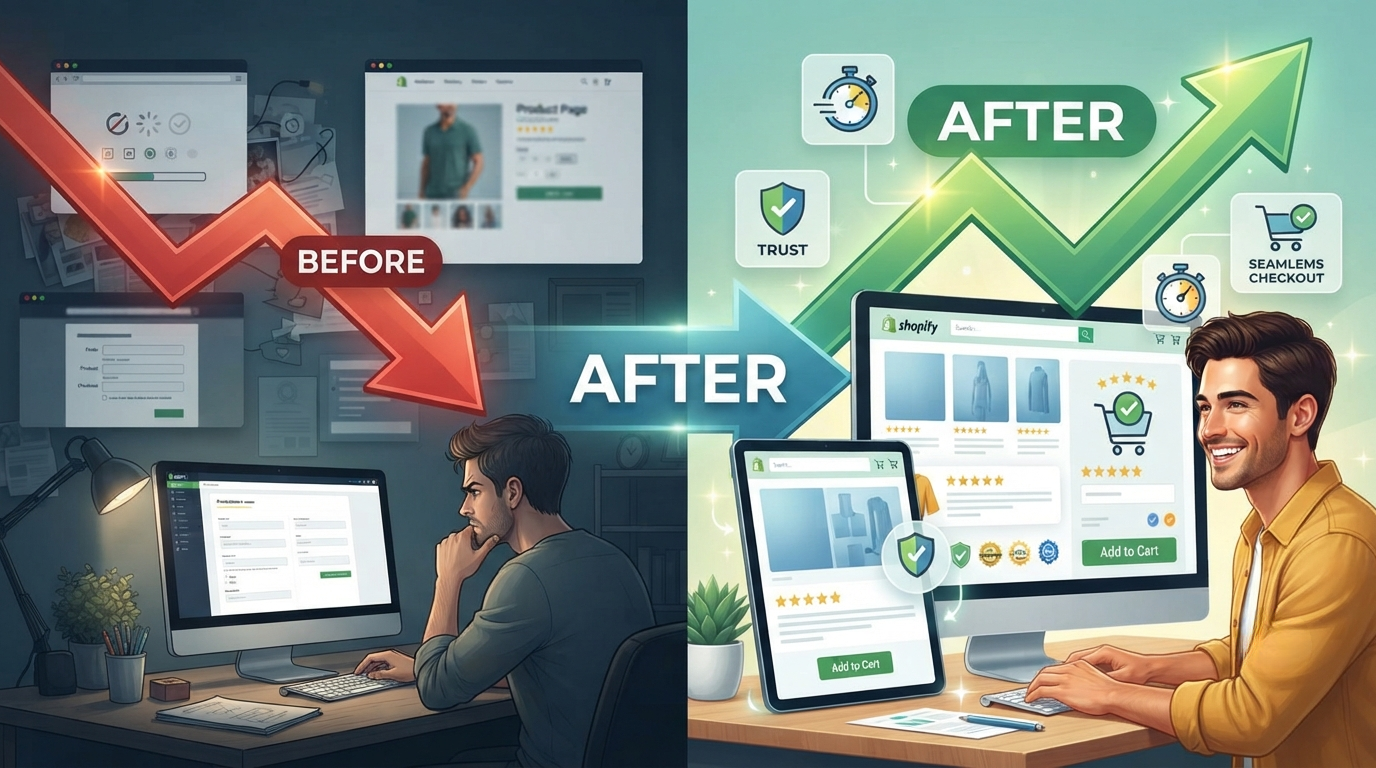
Increasing your Shopify conversion rate doesn't require a complete redesign. Small, consistent improvements across your store can lead to substantial gains in sales and customer satisfaction.
Start by building trust with social proof, improving your store's speed, simplifying checkout, and optimizing your product pages. Then continue testing and refining based on real customer behavior.
If you're looking for an easy way to increase trust and encourage more purchases, Amplifay helps Shopify stores display real-time notification campaigns that reassure visitors and create a more engaging shopping experience.